Look up any word.
Save it.
Remember it.
Remember the words you usually forget by tomorrow. OpenWords is a dictionary and flashcard app for English, Dutch, Polish, and Russian. Look up a word you just met, save its exact meaning in one tap, and it comes back as a flashcard until it sticks.
Free · No account required · Works offline
The word you looked up yesterday
is already fading.
It's not a memory flaw — it's just how the brain works. A word you only see once will fade. The fix is seeing it again at the exact right moment.
You look up a word today — and forget it by next week.
Save it in one tap. Review it until it sticks.
From a word you look up to a word you'll keep.
Look up any word in seconds.
Look up a word you just read or heard. OpenWords shows all its meanings — not just one generic translation. Pick the definition that matches your context and tap save.
You might already ask AI what a word means — but that answer vanishes the moment you close the chat. Here, every lookup is one tap away from being saved and mastered.
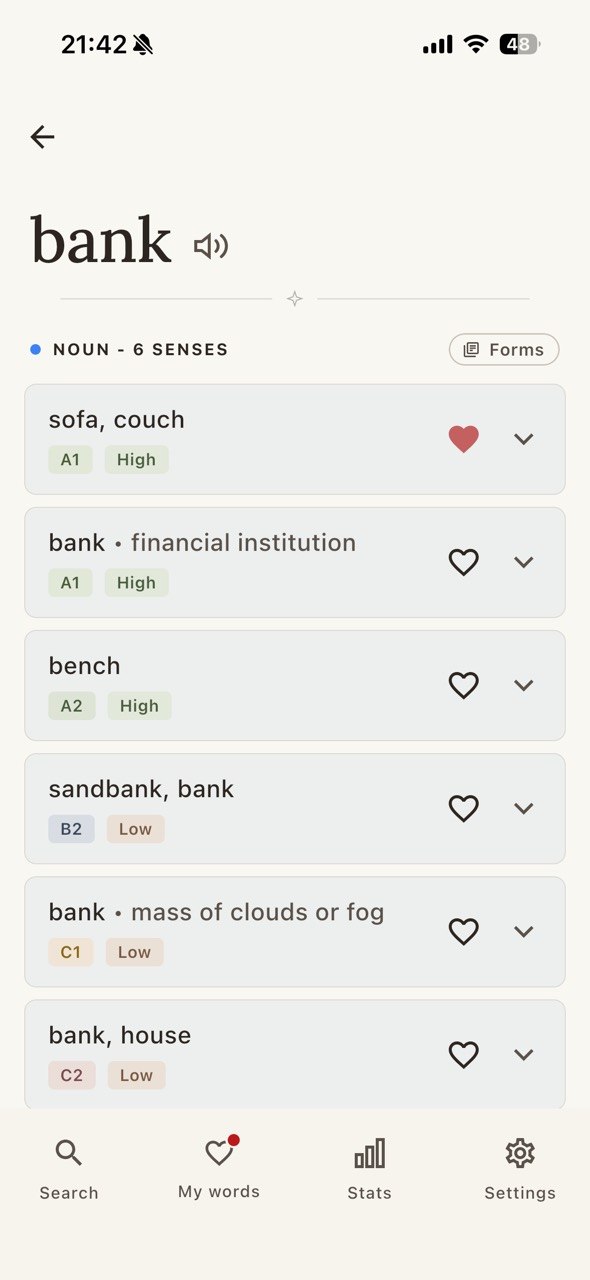
A dictionary that teaches, not just translates.
Every entry shows meanings, examples, CEFR level, frequency, and word family. So you know what the word means, how it's used, whether it's worth learning now, and which related forms come with it.
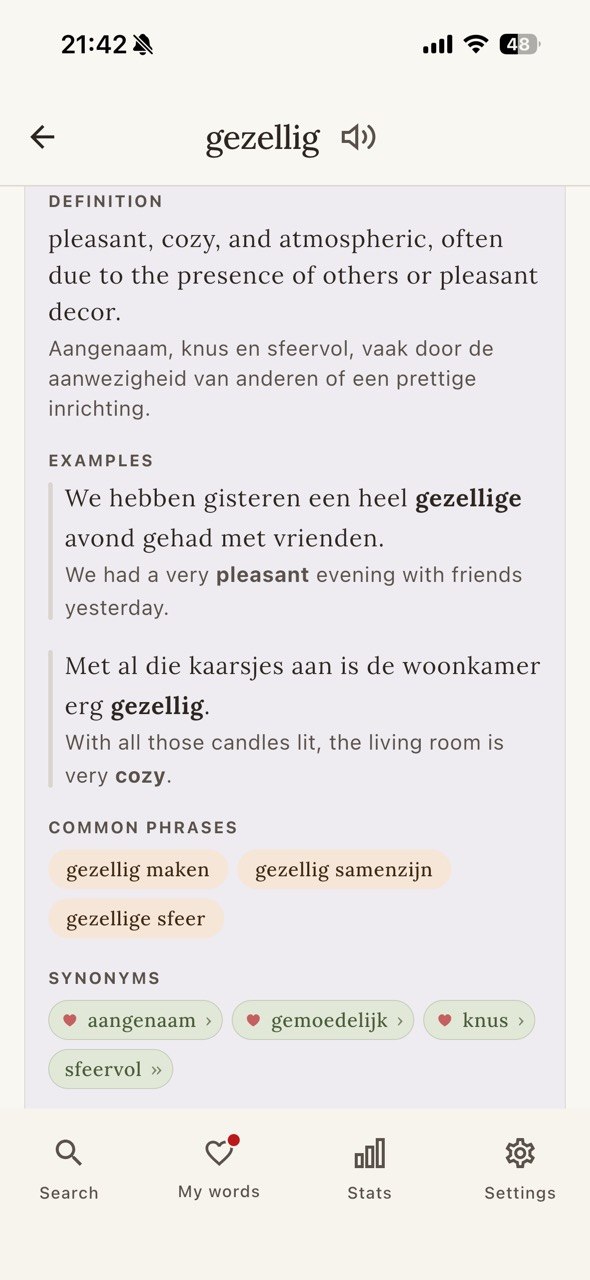
Reviewed the way memory works.
Spaced repetition brings each word back right before you'd forget it. And each word comes back as a different kind of card — recognition, recall, in context — so it sets from more than one angle.
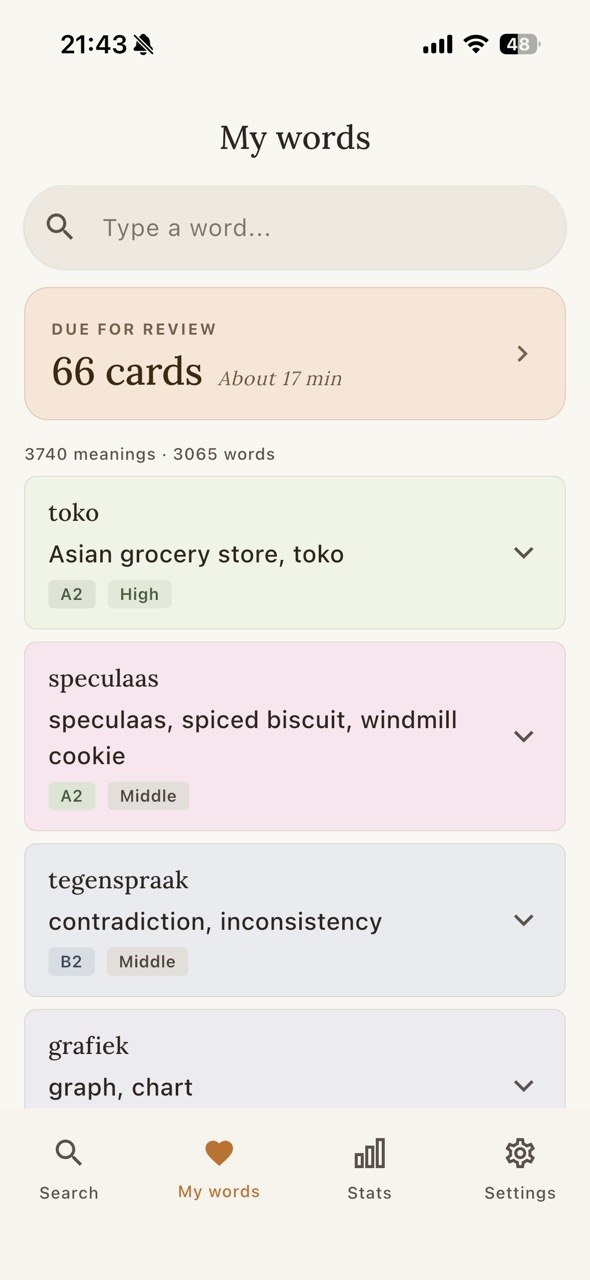
Words come back differently — so they stick from more than one angle.
cozy
Watch it stick.
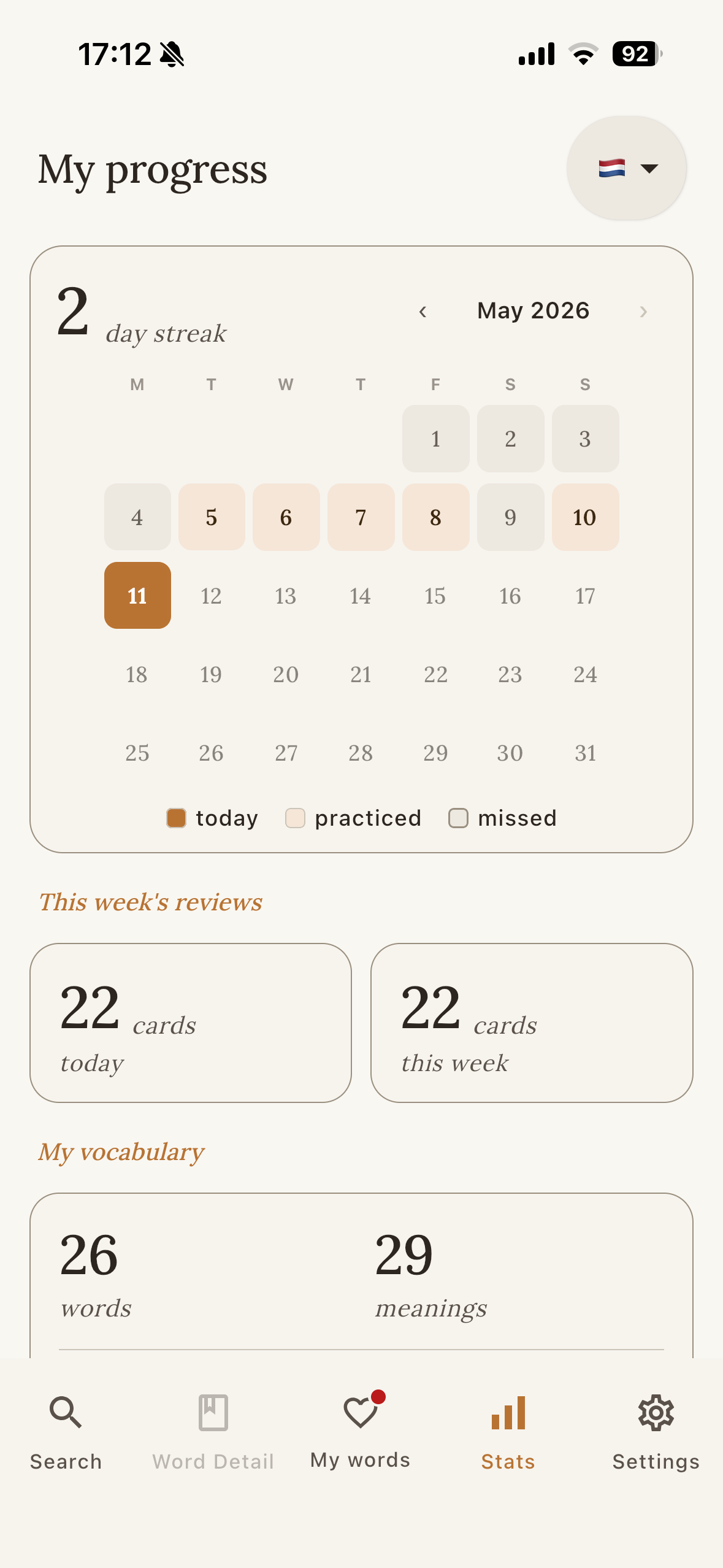
A calendar marks every day you reviewed. A streak tracks consecutive days. Word counts show how your library grows. Nothing to configure — the schedule runs itself.
Is OpenWords for you?
- If you are at any levelSave and learn the exact words you need, from beginner to fluent.
- If you want real vocabulary growthOpenWords focuses on moving words from your passive memory into your active vocabulary.
- If you prefer practice over playGet a clean tool dedicated to study, not a game designed to hook you.
- If you are disappointed with superficial appsGet a tool with all the information you need, without hidden paywalls or ads.
Pick a language to build your vocabulary.
Every language ships with a curated set of common words. Search anything beyond that and we prepare the entry for you.
Questions learners ask
What is OpenWords?
Is OpenWords good for beginners?
Is it really free?
Do I need an account?
Does it work offline?
Where does the dictionary data come from?
How is OpenWords different from Anki?
How is OpenWords different from Quizlet?
How is OpenWords different from Google Translate?
Start building your own wordbook.
Learning new words shouldn't be a struggle. And with OpenWords, it won't be.
Free · No account required · Works offline